

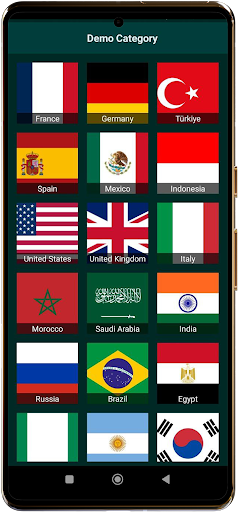
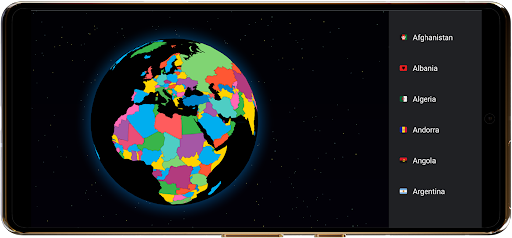
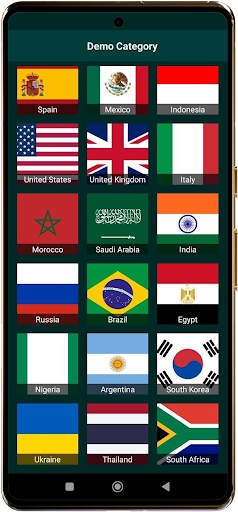
TVGarden World Famelack TV is a versatile video player app designed for users who wish to watch online TV channels by supplying their own streaming links. It functions as an open-source TV player, enabling access to Live TV Streams, News, Sports, Entertainment, Music, and Documentary Channels from around the world. The app does not host or stream content directly; instead, it empowers users to access global and local live TV online for free by importing their private HLS, DASH, MP4, or direct streaming links. This approach allows for a personalized viewing experience of international and cultural TV content.
Content Sourcing and Supported Formats
The core functionality of TVGarden World Famelack TV revolves around its ability to play user-provided streaming links. The app supports a broad range of formats, including DASH, HLS, MP4, and direct streaming links. This flexibility allows users to connect to various online TV channels, whether they are interested in international news or cultural programming. It is crucial to understand that TVGarden World Famelack TV acts solely as a media player; users are responsible for sourcing and adding their own legitimate URLs for TV channels, ensuring they comply with licensing and broadcasting rights.
Stream Playback and Viewing Experience
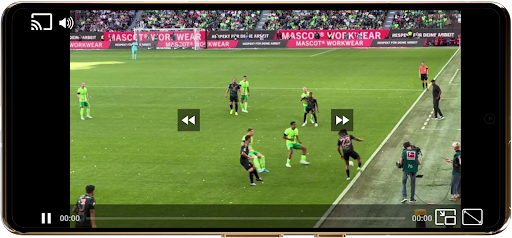
TVGarden World Famelack TV offers features designed to enhance the viewing experience. Users can expect smooth playback of live TV streams and online content, aiming to minimize lag. For multitasking, the app includes a Picture-in-Picture (PIP) mode, allowing channels to be watched in a small window while performing other tasks. A full-screen mode is also available for an immersive viewing experience. Furthermore, the app provides customizable controls, enabling users to tailor their viewing with adjustable scaling modes and playback settings, alongside enhanced audio quality for an optimized sound experience.
Organizing and Casting Streams
To manage preferred content, TVGarden World Famelack TV includes a Favorites list where users can save their frequently accessed TV streams. This allows for quick retrieval and instant playback of saved channels. Additionally, the app supports seamless casting to any TV with Chromecast integration. This feature extends the viewing experience beyond the mobile device, allowing users to enjoy their selected online TV channels on a larger screen.
How to Use the App
To begin watching content with TVGarden World Famelack TV, users first open the app and add their desired streaming links into the Favorites section. This step organizes preferred global TV or live sports channels for easy access. Once links are saved, users can tap any entry within their Favorites list to initiate playback instantly. It is essential for users to ensure that all URLs utilized are legitimate and respect applicable licensing or broadcasting rights, as the app functions purely as a media player and does not verify content legality.







Write a review